
3D print hinge generator: print-in-place hinges and hinged boxes
A print-in-place hinge comes off the bed already assembled, so what matters is the gap between the knuckles. Pick a test hinge or a box with a hinged lid, set the size, the knuckles and the gap (0.35 mm to start, 0.2 to 0.6 mm), and watch it swing: every pose is checked on our CAD engine, and the line under Play gives the smallest clearance it found and where the lid stops.
- Free, no account to download
- STL, 3MF and STEP
- Motion checked for collisions
Parameters
Loading the sliders...
Sliders and downloads are free. The AI designer uses credits; new accounts start with free ones.
The knuckles hold each other with 45 degree cones instead of a loose pin, so they print without supports. Download STL or 3MF and print it as it comes, or STEP to put the hinge on your own design.
Start from an example
Finished designs from the Library to start from: open one, set its sliders, download it or change it with AI.
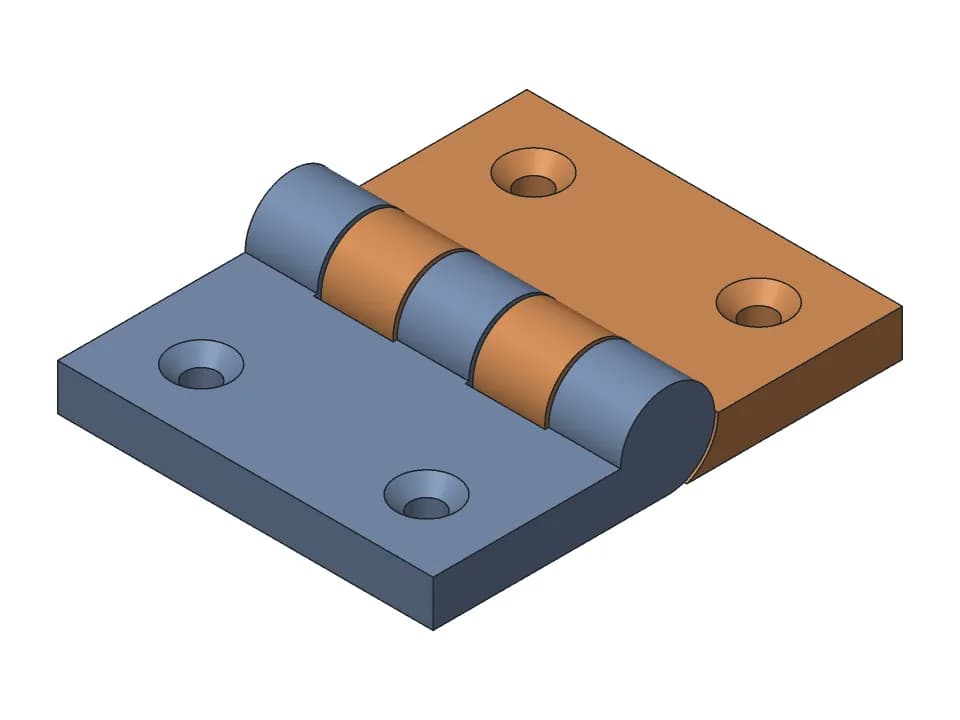
Print-in-place hinge
One-piece hinge that prints flat: countersunk holes, a 180 degree swing, a stop at flat and folded.
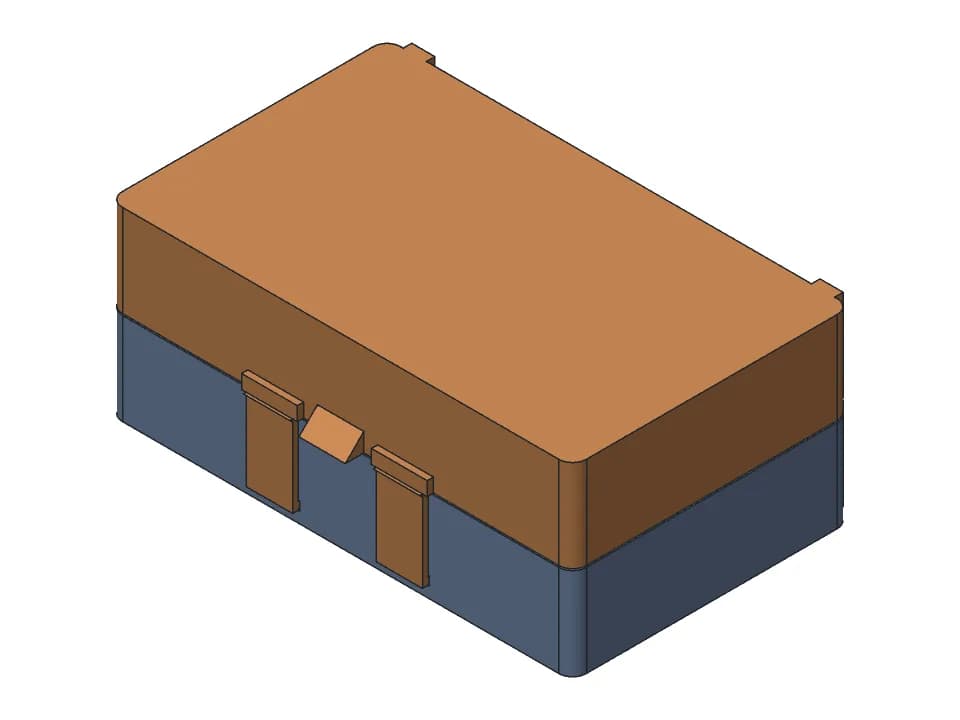
Hinged box
A box that prints in one piece with the lid open: print-in-place hinge, snap latch, any size.
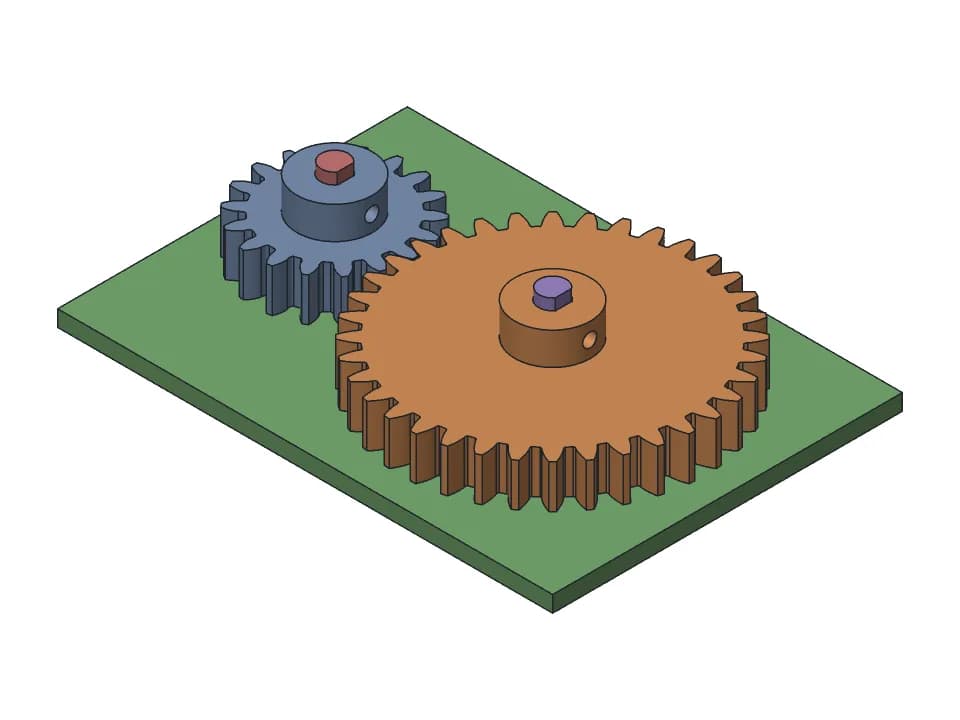
Spur gear pair
18 and 36 tooth spur gears with D-shaft bores and M3 set screw hubs, module 1 to 3.
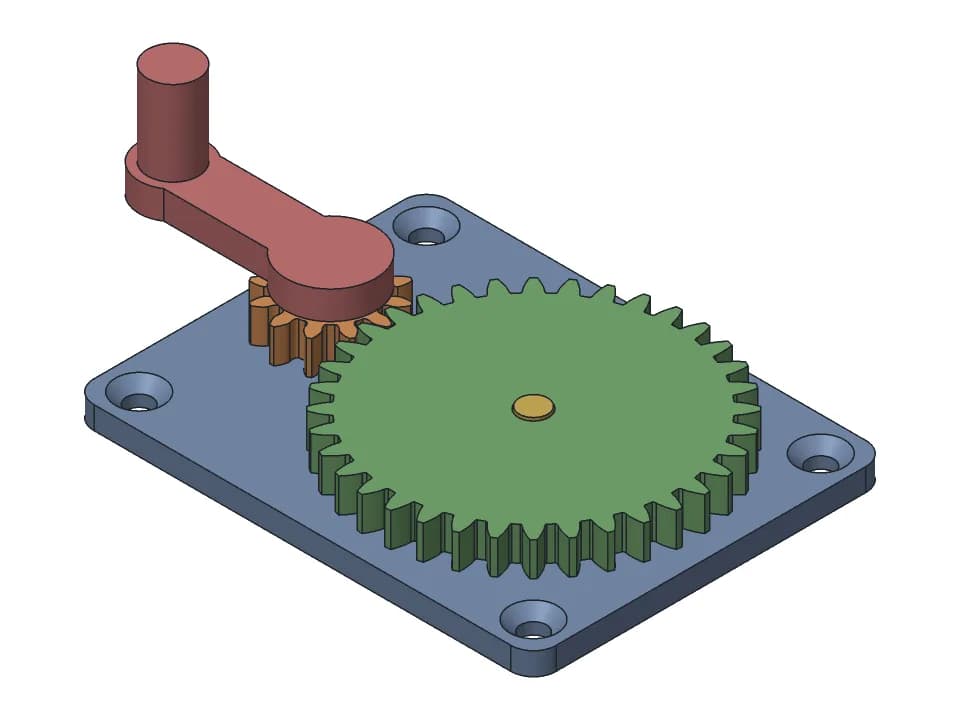
Hand-crank gearbox
A 3:1 gear reduction you turn by hand: two gears on steel pins, a crank and a plate to screw down.
How to make a print-in-place hinge that turns
A print-in-place hinge is one print: the knuckles of both leaves are interleaved, with a gap between them that the nozzle never crosses. If the gap is too small for your printer, the knuckles fuse; too big, and the hinge is loose. Three things matter:
- The gap between knuckles and between each cone and its socket: 0.3 mm is a safe start, 0.2 mm on a tuned printer.
- The cones: 45 degrees from vertical, so each one prints on the layer below without supports and the leaves cannot slide apart.
- The first layer: chamfer the bottom edges by about 0.5 mm, or elephant foot glues the knuckles to each other.
| Feature | Start with | Range | Notes |
|---|---|---|---|
| Print-in-place gap, sideways (XY) | 0.30 mm | 0.20 on a tuned Bambu Lab or Prusa, 0.40 on older printers; PETG +0.05 | Put the moving axis along Z when you can, so the gap lies in XY |
| Print-in-place gap, vertical (Z) | 0.40 mm (2 layers) | at least 1 layer, 2 to 3 is safe | Whole layers only: the surface above the gap is a bridge and sags |
| First layer (elephant foot) | 0.5 mm x 45 deg chamfer | 0.3 to 1.0 mm | On the bottom edges of both mating parts; never start a moving gap on layer 1 |
| Print-in-place knuckle hinge | gap 0.2 to 0.3, radial 0.3 | cones 40 to 50 deg from vertical | 45 deg cones hold the knuckles without a pin and print without supports |
| Hinge with an inserted pin | hole = pin + 0.4 mm | +0.3 to +0.5 on the diameter | A 1.75 mm filament pin works; teardrop the hole when the axis is horizontal |
| Horizontal hole | teardrop, 45 deg top | +0.1 to +0.2 in Z | The top of a round horizontal hole droops |
Hinged boxes
Switch the generator to the hinged box and it builds the box, the lid and the hinge as one print-in-place part: the knuckles sit on the back wall and the lid's back edge. Print it closed, as it comes: the lid floats two layers (0.4 mm) over the rim, the hinge axis is horizontal so the cones hold the knuckles apart without supports, and the lid opens to about 120 degrees, where blocks on its knuckles meet the back wall. To size the box by its inside, with dividers, rounded corners or a label recess, use the box generator: it has the same hinge.
Knuckles, length and opening angle
Use an odd number of knuckles (the generator takes 3 to 9 and starts at 5) so the outer ones belong to the same leaf and the hinge stays square. Make each knuckle at least 3 to 4 mm long and the knuckle diameter at least 5 mm on a 0.4 mm nozzle (6 mm to start); when that many knuckles do not fit the length, the generator uses fewer and says so. The opening angle is limited by where the leaves meet: the swing check shows the angle where they touch, which is your physical stop.
When it does not move
- Let it cool, then flex it a few degrees each way before opening it fully.
- Still stuck: raise the gap by 0.05 mm and print again, or print the tolerance test to find your printer's real gap.
- Rough but moving: a few full swings wear the contact surfaces in.
- In PETG, add about 0.05 mm: it strings and bridges less cleanly than PLA.
What the swing check does
The leaf is swung through its whole range on our CAD engine and the distance between the leaves, the knuckles and the cones is measured at every pose. The line under Play gives the smallest clearance while it moves and where it stops. Need a different box, a lid with a latch, or the hinge on a part of your own? Ask the designer to change it.
FAQ
Questions about the 3D print hinge generator
What gap does a print-in-place hinge need?
0.3 to 0.35 mm between the moving surfaces is a safe start on a 0.4 mm nozzle (the generator starts at 0.35 mm). Well tuned Bambu Lab and Prusa printers often manage 0.2 mm; older or untuned printers may need 0.4 mm. PETG usually needs about 0.05 mm more than PLA.
Why does my print-in-place hinge fuse?
Usually one of three things: the gap is under what your printer can hold, the first layer squished into the gap (elephant foot), or a horizontal gap is not a whole number of layers. Chamfer the bottom edges by about 0.5 mm, keep vertical gaps at 2 layers or more, and print the tolerance test to find your real clearance.
Should the hinge axis be vertical or horizontal?
Horizontal pins are stronger and are what box lids need; the gap is then partly a bridge, so give it a little more room. A vertical axis gives the most accurate gap but a weaker pin. This generator lays the axis horizontal with cones on the knuckles so it prints without supports.
How do I break a print-in-place hinge free?
Let it cool fully, then flex it gently a few degrees each way before opening it fully. If it does not move at all, the gap is too small for your printer: raise it by 0.05 mm and print again.
Can I make a box with a print-in-place hinge?
Yes. Switch the generator to the hinged box and set its width, depth, height and wall: it builds the box, the lid and the hinge in one print, closed, with the lid two layers (0.4 mm) above the rim. It opens to about 120 degrees, where blocks on the lid's knuckles meet the back wall, and the check shows it swings there without hitting the box.
Is the hinge generator free?
Yes. The sliders, the swing check and the STL, 3MF and STEP downloads are free and need no account.
More free tools
Designing the rest of the part yourself? The guide to CAD for 3D printing compares the software and gives the FDM rules for walls, holes, overhangs and tolerances.
Gridfinity generator
Gridfinity bins and baseplates to the spec, baseplates sized to your drawer and split for your bed.
Gear generator
Spur gear pairs that mesh and turn, with the ratio, FDM backlash and a collision check.
Planetary gear calculator
Ratios for every fixed member, valid tooth counts from a target ratio, and a 3D set to print.
Box generator
Boxes sized by their inside, with a lift-off, sliding or hinged lid, dividers and labels.
Snap fits for 3D printing
Cantilever snap fits sized for FDM: strain per filament and print direction, STL to test.
Thread generator
Printable bolts and nuts, jar necks with screw caps and threaded inserts, with FDM clearance.
3D print tolerances
A clearance chart for FDM fits, and one small print that measures your own printer.
Need something these sliders can't make?
Describe the part in plain words: a gearbox for your motor, a box with this hinge, a case that snaps shut. The AI designer builds it as real CAD, checks the fit and the motion, and gives you sliders and print-ready files.
Start designing for free