
Gear generator and simulator
Set the module, the teeth on each gear, the face width, the backlash, the pressure angle, the bores and an optional hub, and watch the pair mesh on a test stand with a pin through each bore. The gears are built with exact involute teeth on our CAD engine, placed at the right centre distance and turned with every pose checked for collisions; the ratio, centre distance and output speed update as you go.
- Free, no account to download
- STL, 3MF, STEP, DXF and SVG
- Motion checked for collisions
Parameters
Loading the sliders...
Sliders and downloads are free. The AI designer uses credits; new accounts start with free ones.
Download STL or 3MF for your slicer, STEP to keep editing in Fusion, Onshape or FreeCAD, or the tooth profile as DXF or SVG for a laser cutter or CNC. Free, and no account is needed to download.
Start from an example
Finished designs from the Library to start from: open one, set its sliders, download it or change it with AI.
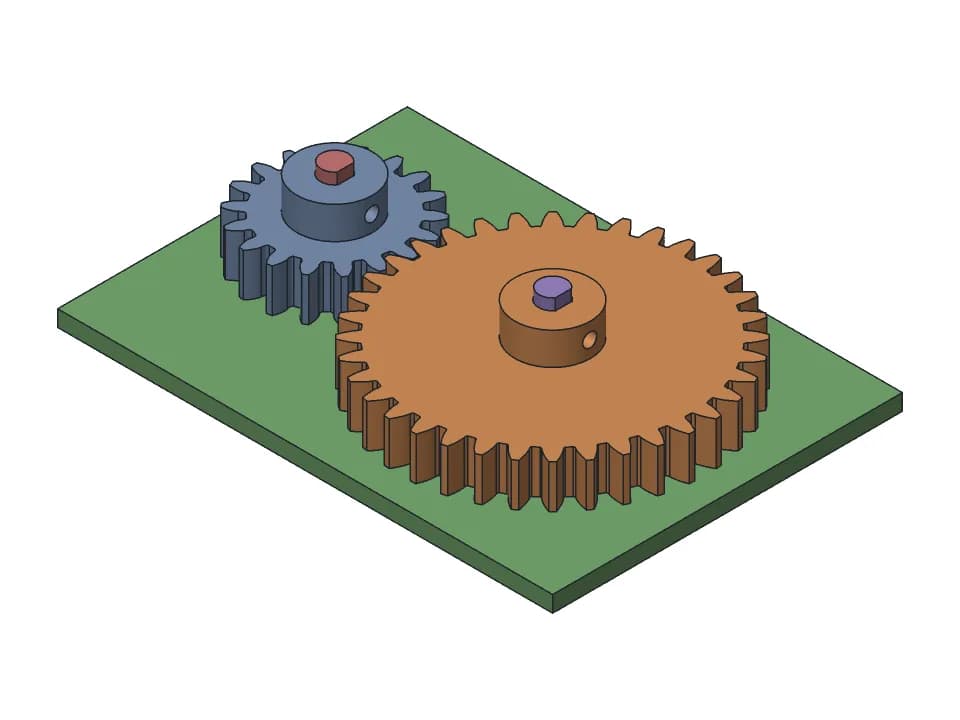
Spur gear pair
18 and 36 tooth spur gears with D-shaft bores and M3 set screw hubs, module 1 to 3.
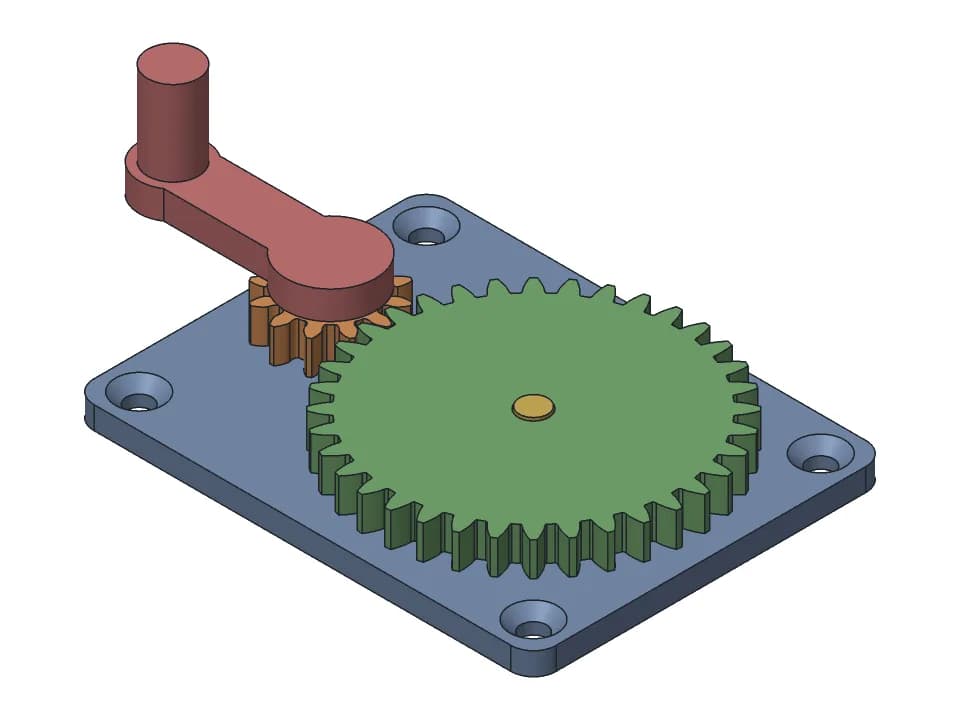
Hand-crank gearbox
A 3:1 gear reduction you turn by hand: two gears on steel pins, a crank and a plate to screw down.
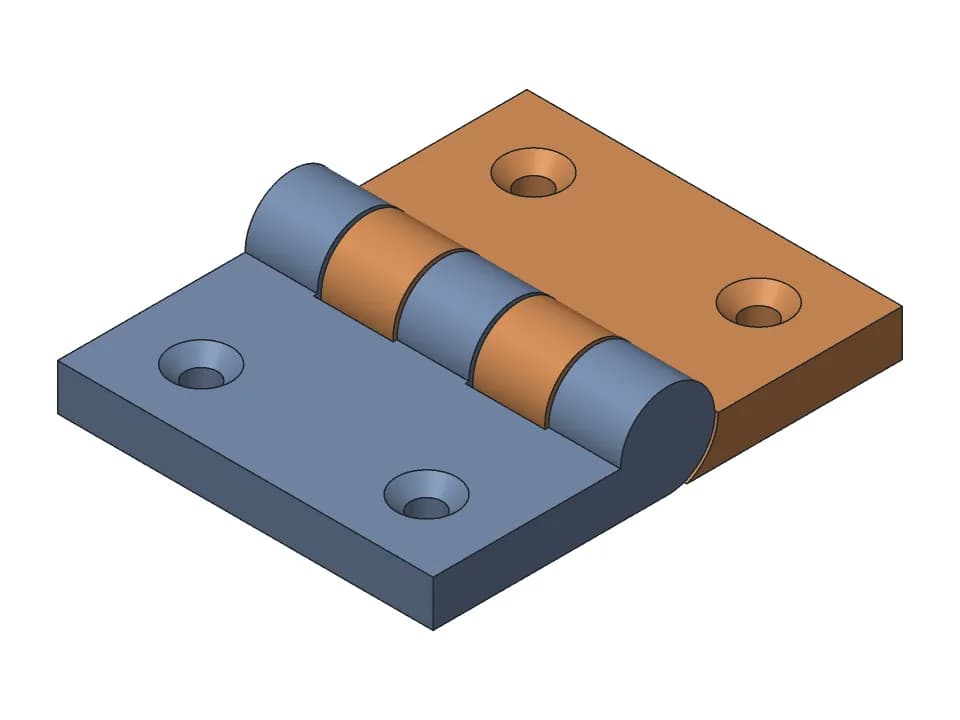
Print-in-place hinge
One-piece hinge that prints flat: countersunk holes, a 180 degree swing, a stop at flat and folded.
How to choose the module, the teeth and the backlash
Module: the size of the teeth
The module (m) is the pitch diameter divided by the number of teeth, in millimetres. It sets the size of every tooth, and both gears of a pair must share it. On a 0.4 mm nozzle, 1.5 mm is a good default: the tip of each tooth is wide enough for two perimeter lines. Go down to 1.0 mm only for light loads such as a clock or a dial, and up to 2 or 2.5 mm for gears that carry real torque.
Teeth and ratio
The ratio is the teeth of the driven gear over the teeth of the driving gear. A 12 tooth pinion driving a 36 tooth wheel gives 3:1: the wheel turns three times slower, three times stronger, and the other way round. Keep the smaller gear at 17 teeth or more at a 20 degree pressure angle to avoid undercut (teeth thinned at the root); 12 to 14 teeth work with a profile shift. The generator reports undercut when the pinion is too small.
Backlash: the play between the teeth
Printed teeth come out within about 0.15 mm of the model, so a gear pair with zero backlash binds. The generator starts at 0.25 mm of total play, which suits most printers; a tuned printer runs 0.15 mm, an older printer or PETG 0.3 mm, and planetary sets up to 0.5 mm. Too much backlash makes the output wobble when you reverse.
Face width and bores
A face width of about 8 x module (6 to 12 x m) is a good balance of strength and print time: 12 mm for module 1.5 (the generator starts at 6 mm for a quick test print). For the bore, a smooth printed hole on a smooth shaft slips and creeps under load; use a D or hex shaft with 0.2 mm of clearance, or a heat-set insert with a set screw. A bore too big for its gear is reduced to leave a rim, and the generator says so.
Module and tooth size reference
| Module | Tooth height | Tooth thickness (pitch line) | Pitch diameter, 20 teeth | Good for |
|---|---|---|---|---|
| 0.8 mm | 1.80 mm | 1.26 mm | 16 mm | Small dials and models, 0.25 mm nozzle |
| 1 mm | 2.25 mm | 1.57 mm | 20 mm | Light duty: clocks, toys, fidgets |
| 1.25 mm | 2.81 mm | 1.96 mm | 25 mm | Compact gearboxes and planetary sets |
| 1.5 mm | 3.38 mm | 2.36 mm | 30 mm | The default on a 0.4 mm nozzle |
| 2 mm | 4.50 mm | 3.14 mm | 40 mm | Gearboxes that carry load |
| 2.5 mm | 5.63 mm | 3.93 mm | 50 mm | High torque, large printed gears |
Printing gears
- Print gears lying flat, with 5 or more walls so the teeth are solid plastic.
- PETG wears less than PLA in gears that run for a long time.
- Chamfer the bottom edge by about 0.5 mm so elephant foot does not lock the teeth.
- Check the pair on the bench before building a whole gearbox around it.
| Feature | Start with | Range | Notes |
|---|---|---|---|
| Gear backlash | centre distance + 0.15 mm | +0.10 to +0.30 | Planetary sets often need 0.3 to 0.5 mm |
| Gear bore on a D or hex shaft | +0.2 mm | +0.15 to +0.3 | No press fit on a smooth printed bore: it creeps |
| Metal pin, slip / turning | hole = pin + 0.4 / + 0.5 mm | +0.3 to +0.6 | Small holes need the most correction |
| 608 bearing pocket (22 mm) | 22.15 mm | 22.1 to 22.3 | Axis vertical, with an entry chamfer |
| First layer (elephant foot) | 0.5 mm x 45 deg chamfer | 0.3 to 1.0 mm | On the bottom edges of both mating parts; never start a moving gap on layer 1 |
Spur gear formulas
pitch diameter d = m x zoutside diameter = m x (z + 2)root diameter = m x (z - 2.5)centre distance a = m x (z1 + z2) / 2ratio = z2 / z1
Example: module 1.5, 12 and 36 teeth. Pitch diameters 18 and 54 mm, centre distance 1.5 x 48 / 2 = 36 mm, ratio 3:1. The generator places the gears at this distance plus the backlash and phases the teeth so they mesh at rest.
What the motion check does
Most gear tools animate a pair by multiplying the ratio; nothing checks that the teeth actually clear each other while they turn. Here the real solids are turned through a full cycle on our CAD engine and the distance between them is measured at every pose. The line under Play gives the smallest clearance found and where; when teeth touch, it says at which angle, and the gears turn red there. The evidence also lists the centre distance, the ratio from the teeth and the contact ratio (above 1.2 means a tooth pair is always in contact).
FAQ
Questions about the gear generator
What module should I use for 3D printed gears?
1.5 mm is a good default on a 0.4 mm nozzle. Go down to 1.0 mm only for light loads; below that the teeth are too thin for two perimeter lines. Use 2 to 2.5 mm for gears that carry real torque. Both gears of a pair must have the same module and pressure angle. The generator starts at 1.5 mm and goes from 0.5 to 4 mm.
How much backlash do printed gears need?
Plan on 0.10 to 0.30 mm of total play. Printed teeth come out within about 0.15 mm of the model, so 0.15 mm works for PLA or PETG on a tuned printer and 0.25 mm (where the generator starts) on most others. Planetary sets and gears that run in a housing often need 0.3 to 0.5 mm.
How many teeth can the smallest gear have?
At a 20 degree pressure angle, 17 teeth avoid undercut. With a profile shift you can go down to about 12 teeth. The generator reports undercut when the pinion has too few teeth.
How do I calculate the centre distance and the gear ratio?
Centre distance = module x (teeth 1 + teeth 2) / 2, plus a little extra if you add backlash by moving the gears apart. The ratio is teeth of the driven gear / teeth of the driving gear: a 12 tooth pinion driving a 36 tooth wheel gives 3:1, and the wheel turns the other way.
Can I export the gear profile as DXF or SVG?
Yes. Next to STL, 3MF and STEP, the download menu has the tooth profile of each gear as DXF (for laser cutters, CNC and CAD sketches) and SVG, at the size and tooth count on screen.
How fast does the output gear turn?
Output speed = input speed x driving teeth / driven teeth. A 12 tooth pinion at 60 rpm drives a 36 tooth wheel at 20 rpm, in the opposite direction. The simulator shows the output speed for the input speed you type.
Is the gear generator free?
Yes. The sliders, the motion check and the STL, 3MF and STEP downloads are free and need no account. Saving the gears to your designs needs a free account, and asking the AI designer to change them uses credits.
Can I open the gears in Fusion 360, Onshape or FreeCAD?
Yes. The STEP download is an exact solid model, not a mesh, so it opens as editable bodies in Fusion 360, Onshape, SolidWorks and FreeCAD.
More free tools
Designing the rest of the part yourself? The guide to CAD for 3D printing compares the software and gives the FDM rules for walls, holes, overhangs and tolerances.
Gridfinity generator
Gridfinity bins and baseplates to the spec, baseplates sized to your drawer and split for your bed.
Planetary gear calculator
Ratios for every fixed member, valid tooth counts from a target ratio, and a 3D set to print.
3D print hinge generator
Print-in-place hinges and hinged boxes, with the gap checked through the swing.
Box generator
Boxes sized by their inside, with a lift-off, sliding or hinged lid, dividers and labels.
Snap fits for 3D printing
Cantilever snap fits sized for FDM: strain per filament and print direction, STL to test.
Thread generator
Printable bolts and nuts, jar necks with screw caps and threaded inserts, with FDM clearance.
3D print tolerances
A clearance chart for FDM fits, and one small print that measures your own printer.
Need something these sliders can't make?
Describe the part in plain words: a gearbox for your motor, a box with this hinge, a case that snaps shut. The AI designer builds it as real CAD, checks the fit and the motion, and gives you sliders and print-ready files.
Start designing for free