
Library: parametric designs to 3D print and customize
Every design in the Library is a family, not a single file: a Skadis hook at any depth, a box at any size, a gear pair for your shaft. Move the sliders and the model rebuilds on our CAD engine in a second or two. Download STL or 3MF for your slicer, or STEP to keep editing in Fusion, Onshape or FreeCAD. No account is needed.
25 designs. Designed with buildcad's AI agent, checked by the buildcad team.
Workshop storage
Hooks and holders for IKEA Skadis and 1/4 inch pegboard, and a wall mount for slide-on battery packs.
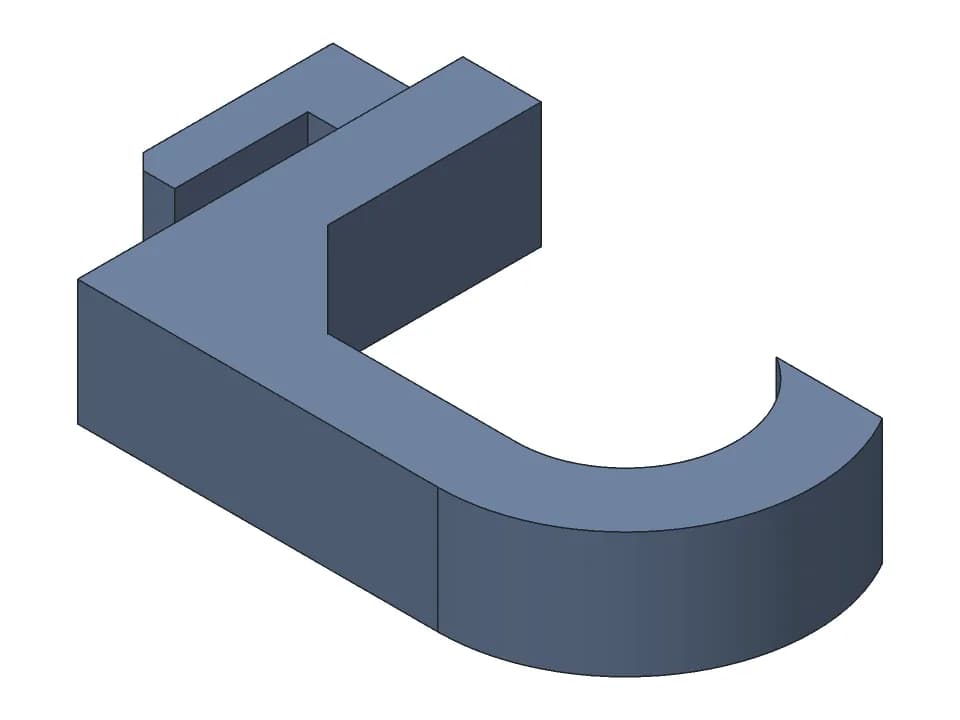
Skadis hook
One-piece hook for the IKEA Skadis pegboard: set the depth and the cup, print it on its side.
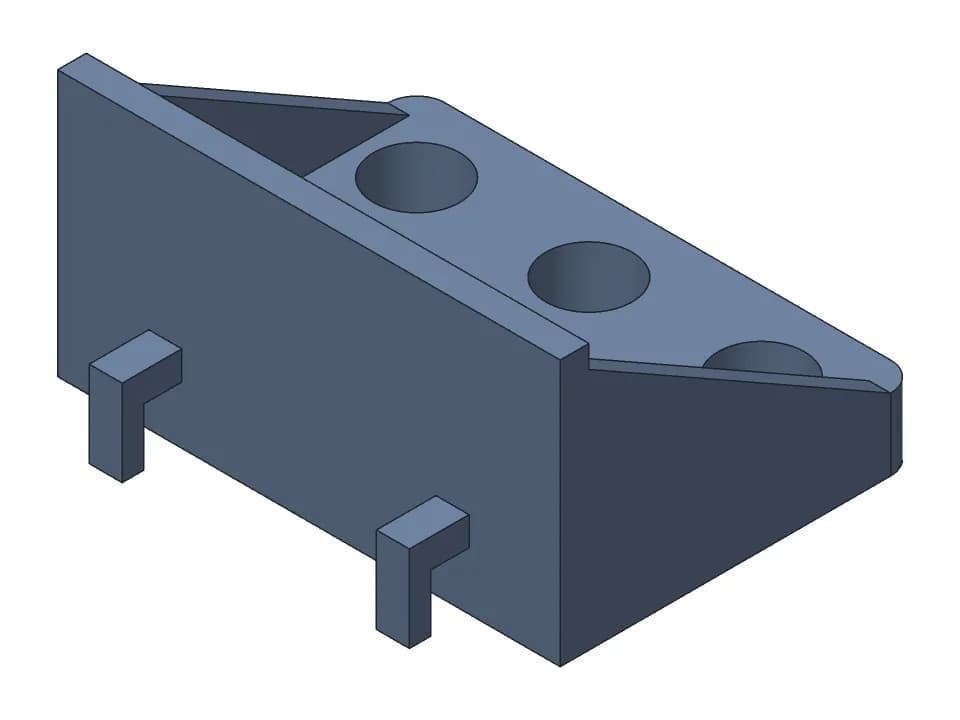
Skadis screwdriver holder
Shelf for IKEA Skadis with 6 screwdriver holes of 12 mm on two hooks, sized in the browser.
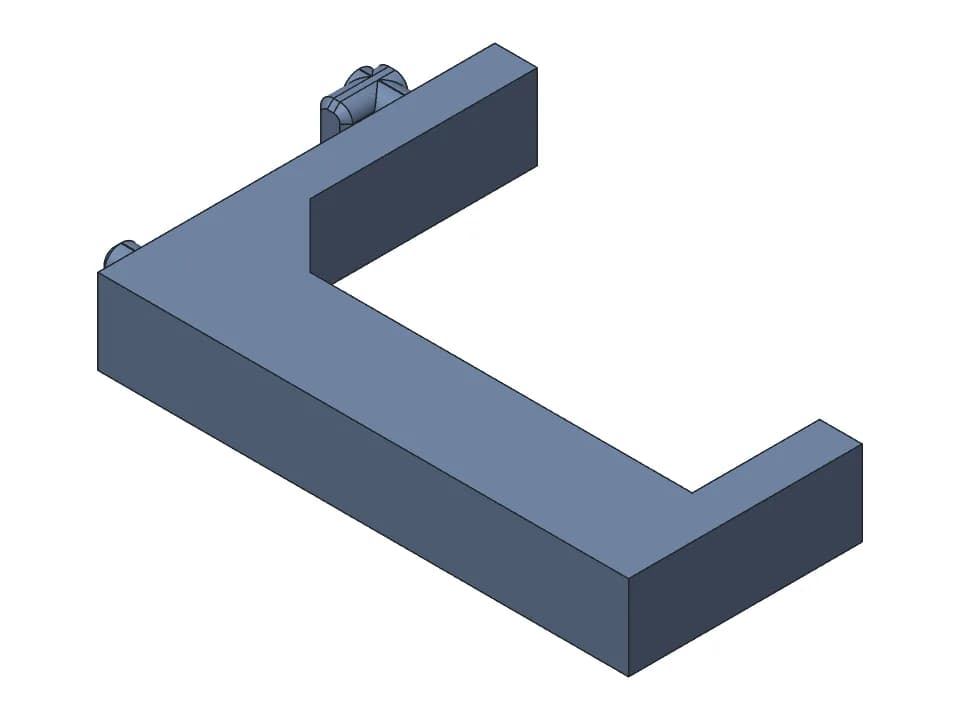
Pegboard hook
Pegboard hook with a hooked upper peg that catches behind the board, a 50 mm arm and a 12 mm lip.
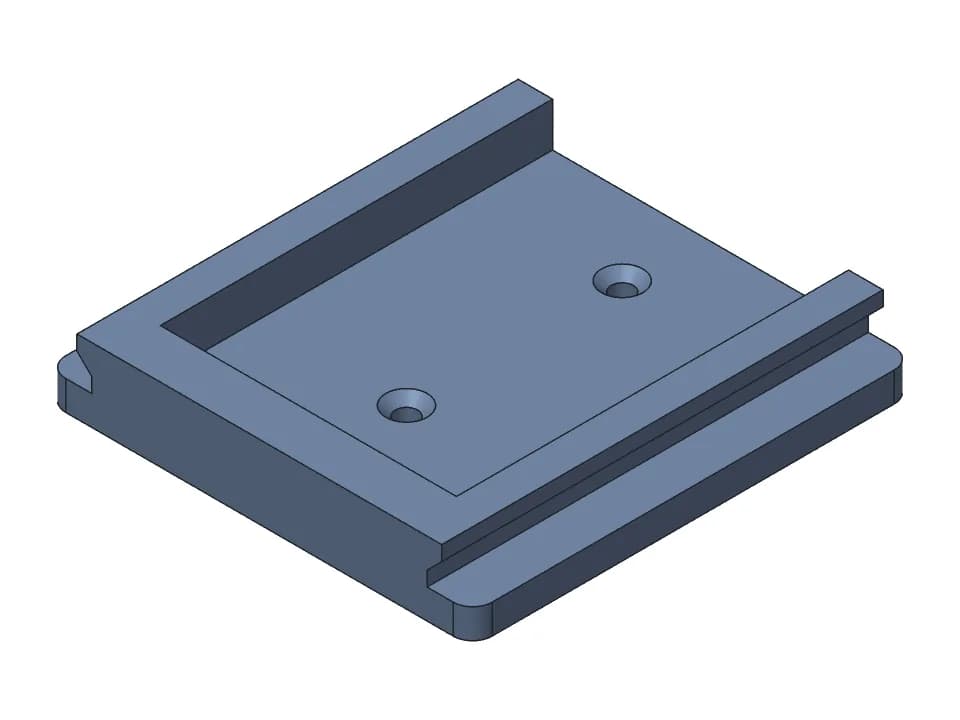
Battery wall mount
Slide-on 18 V battery holder with two rails, a bottom stop and 2 countersunk screw holes.
Desk and home
Stands for a laptop, a phone and headphones, cable clips and a screwless under-desk hook.
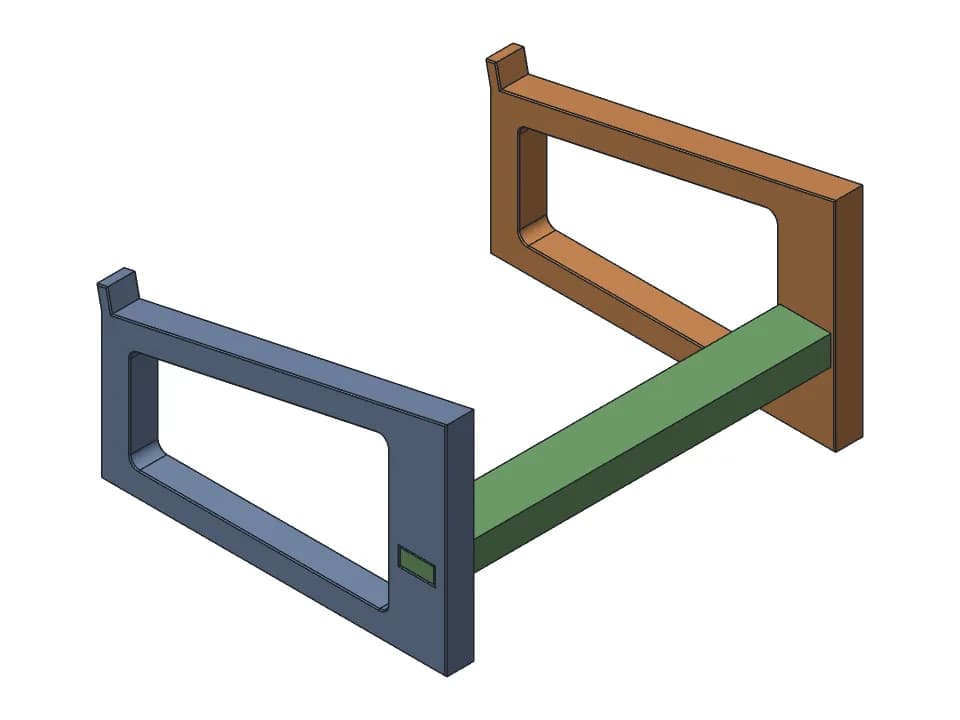
Laptop stand
Two side frames and a crossbar that lift a 14 inch laptop 120 mm at 12 degrees, printed flat.
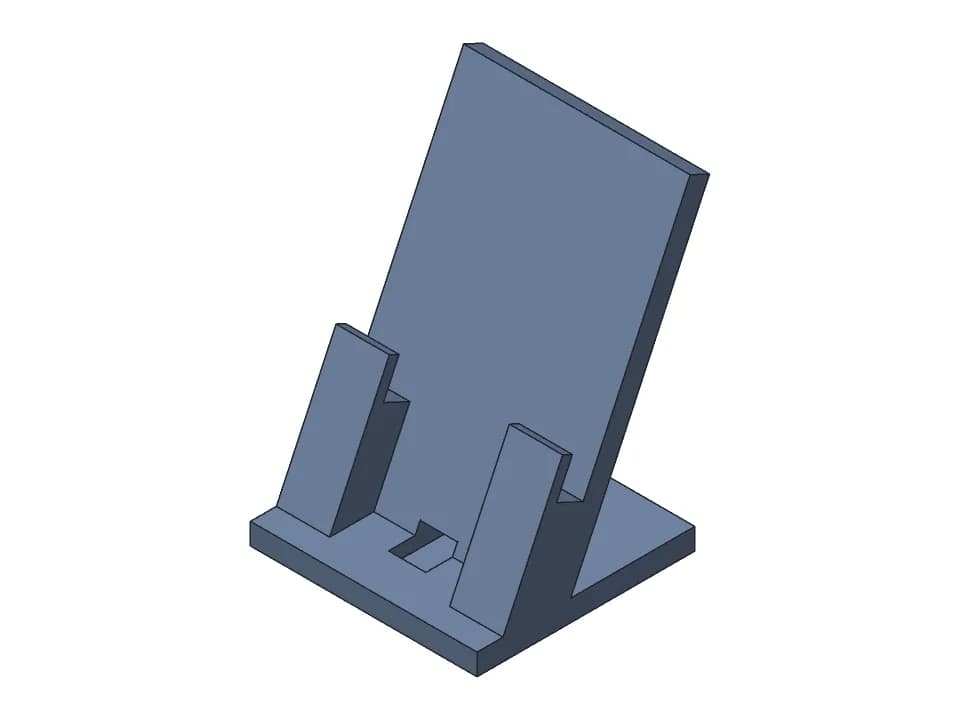
Phone stand
Desk stand at 65 degrees with room for a straight USB-C plug under the phone and a rear cable slot.
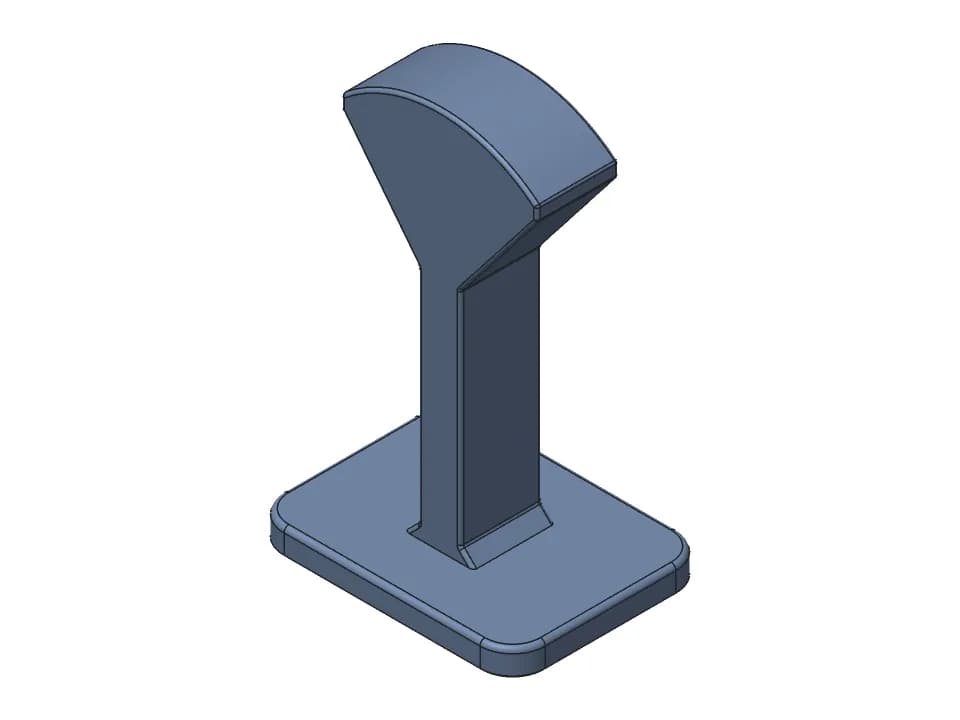
Headphone stand
One-piece 250 mm desk stand with a wide curved top for over-ear headphones and a broad flat base.
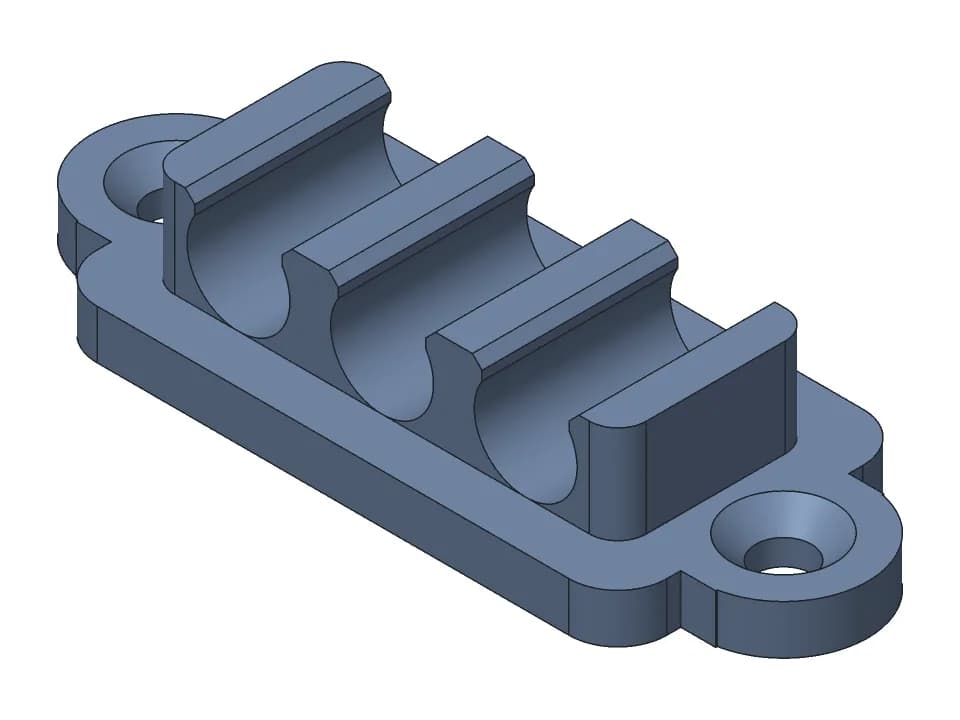
Cable clip
Snap-in clip for 3 round cables side by side, with screw ears or a flat adhesive base.
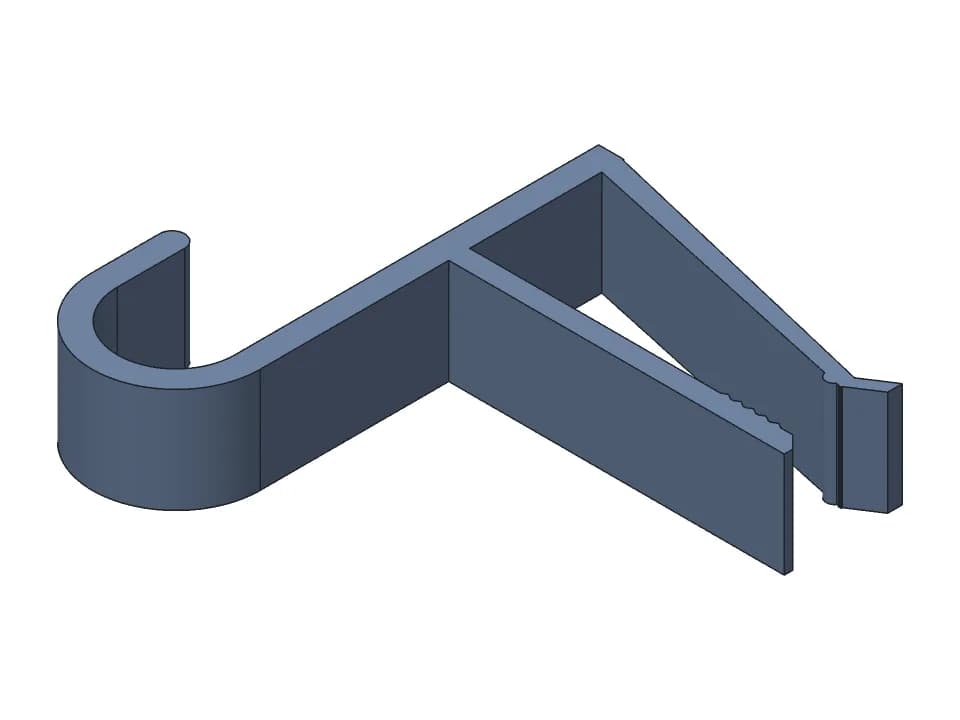
Under-desk J hook
One-piece spring clamp with a J hook that clips on a desk edge, for headphones or a bag.
Gears and motion
A spur gear pair with set-screw hubs, a hand-crank gearbox and a flat print-in-place hinge.
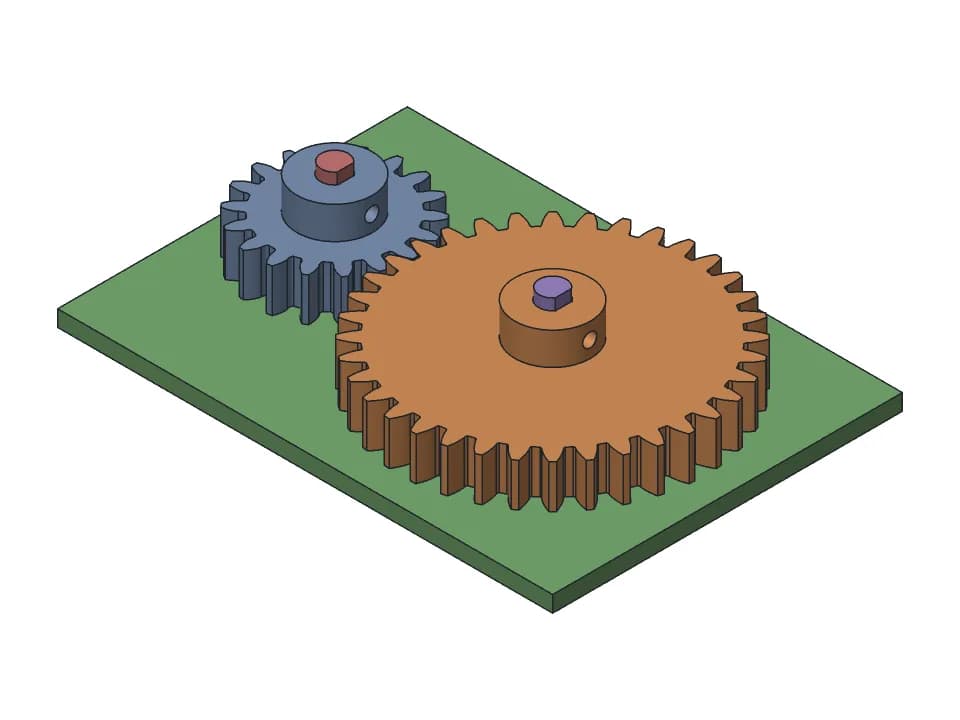
Spur gear pair
18 and 36 tooth spur gears with D-shaft bores and M3 set screw hubs, module 1 to 3.
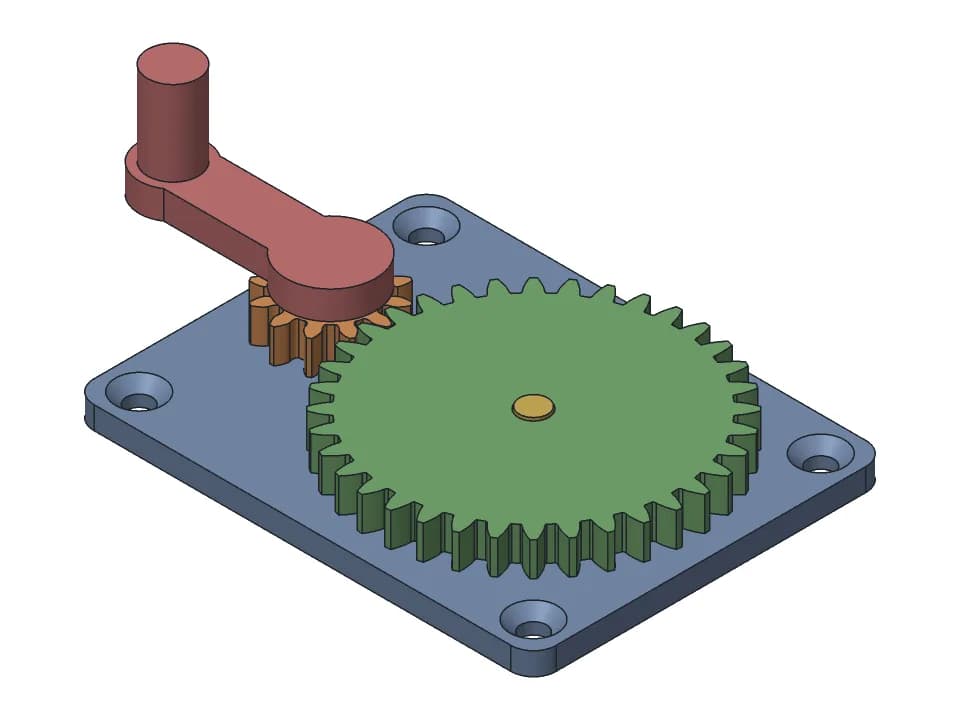
Hand-crank gearbox
A 3:1 gear reduction you turn by hand: two gears on steel pins, a crank and a plate to screw down.
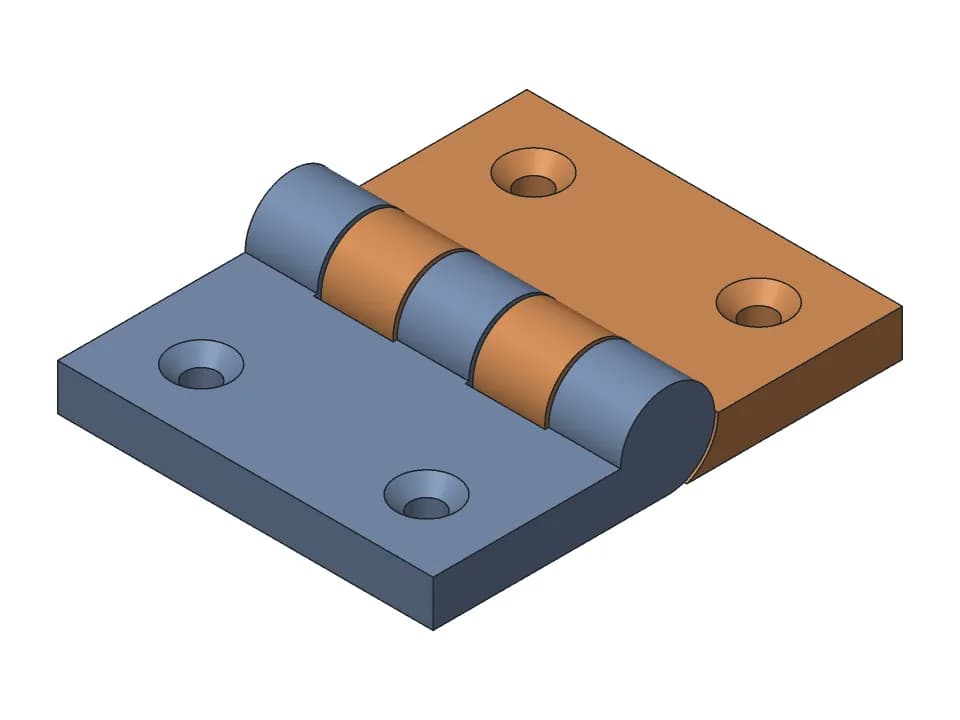
Print-in-place hinge
One-piece hinge that prints flat: countersunk holes, a 180 degree swing, a stop at flat and folded.
Boxes and containers
A print-in-place hinged box, a sliding-lid box and a screw-top jar, all sized with sliders.
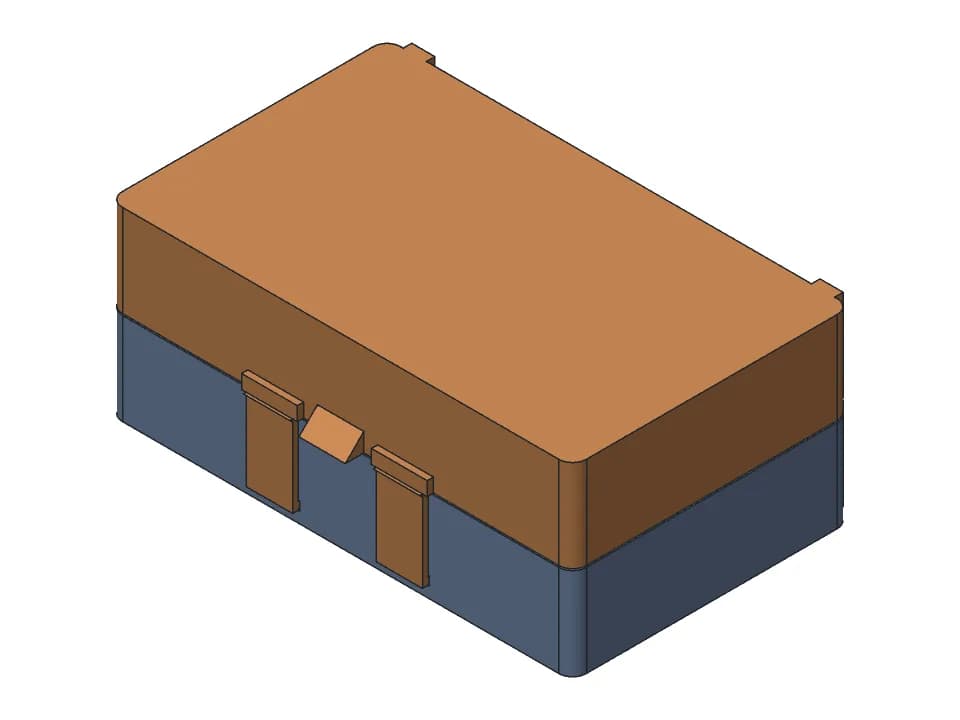
Hinged box
A box that prints in one piece with the lid open: print-in-place hinge, snap latch, any size.
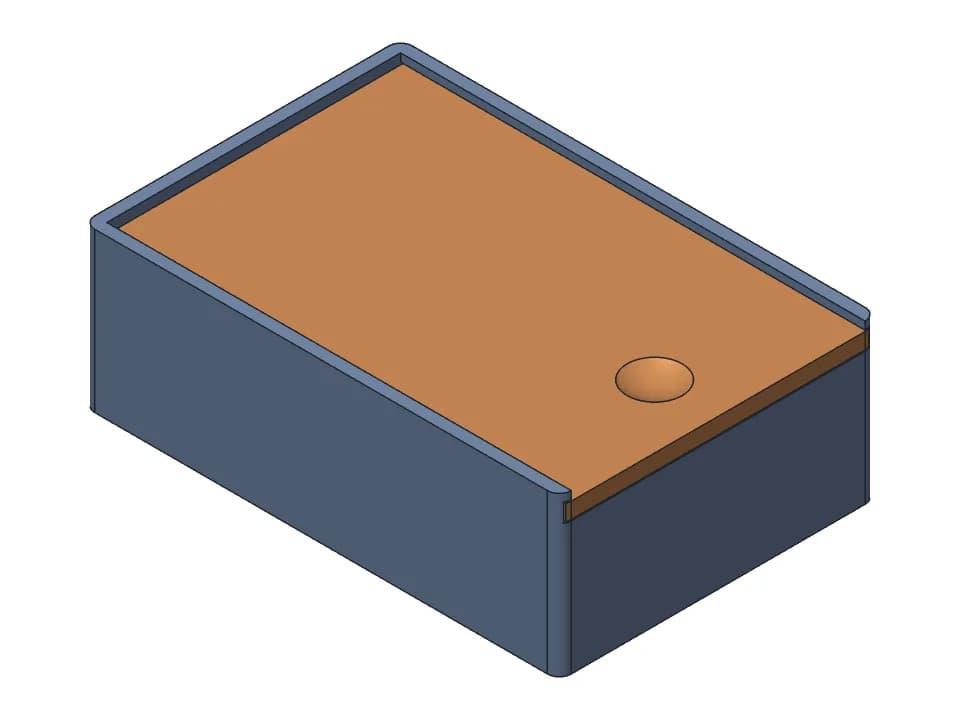
Sliding-lid box
Two-part box whose lid slides in grooves and stops at the closed end, with a thumb dish to push it.
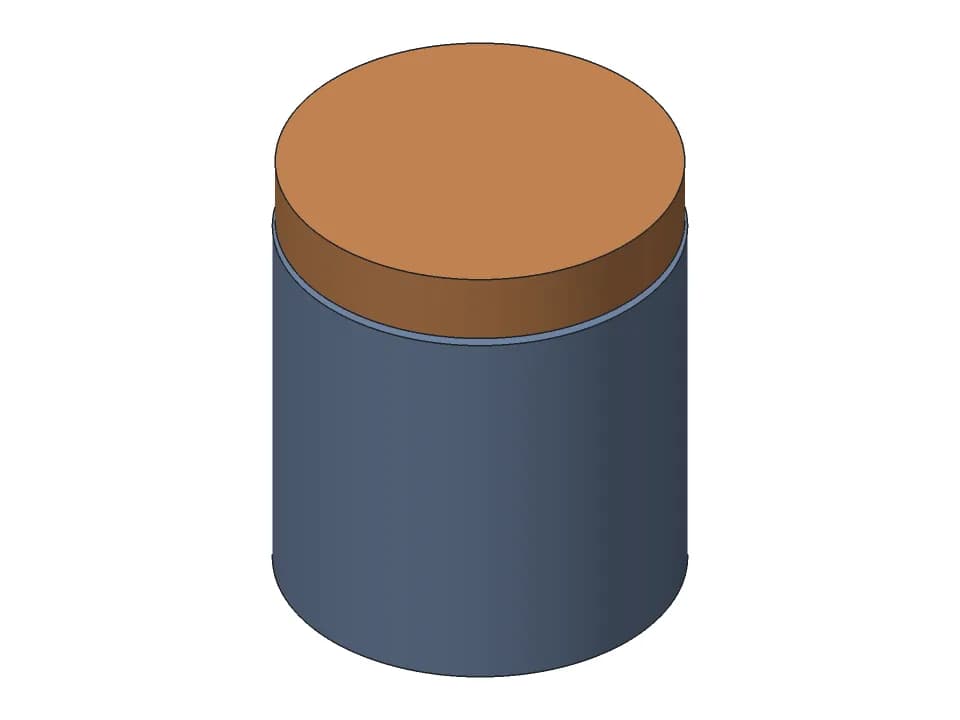
Screw-top jar
Screw-top jar with a 2-turn lid: set the size, thread pitch and wall, print both parts without supports.
Electronics enclosures
Cases with port openings and screw or snap lids for a Pi 5, an ESP32 board and an e-paper display.
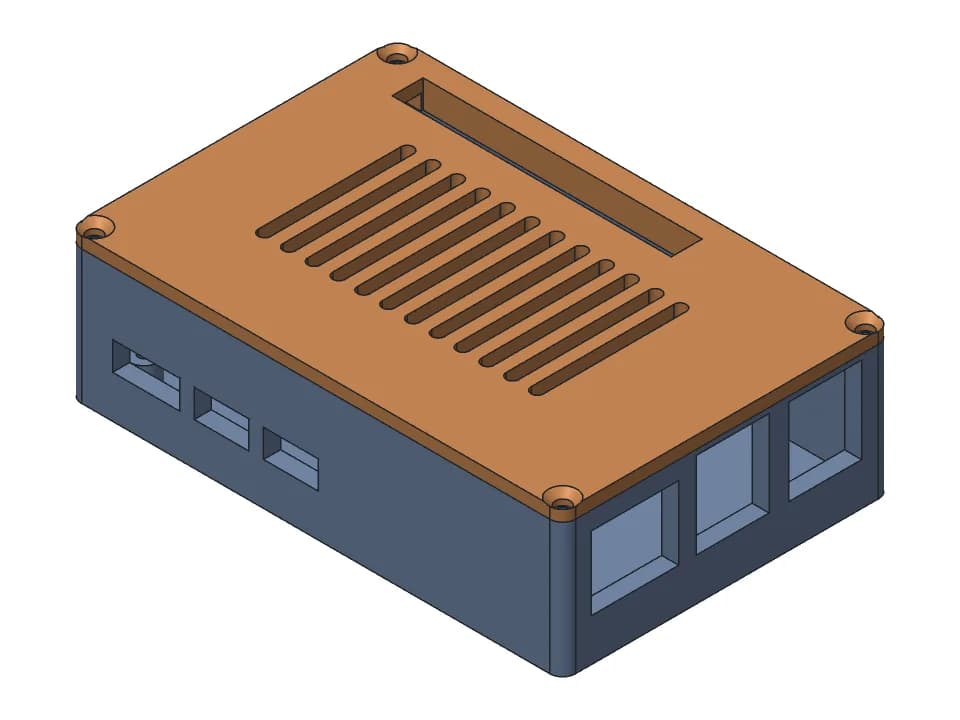
Raspberry Pi 5 case
Two-part Pi 5 case: base with screw bosses and port openings, vented lid screwed on with M2.5.
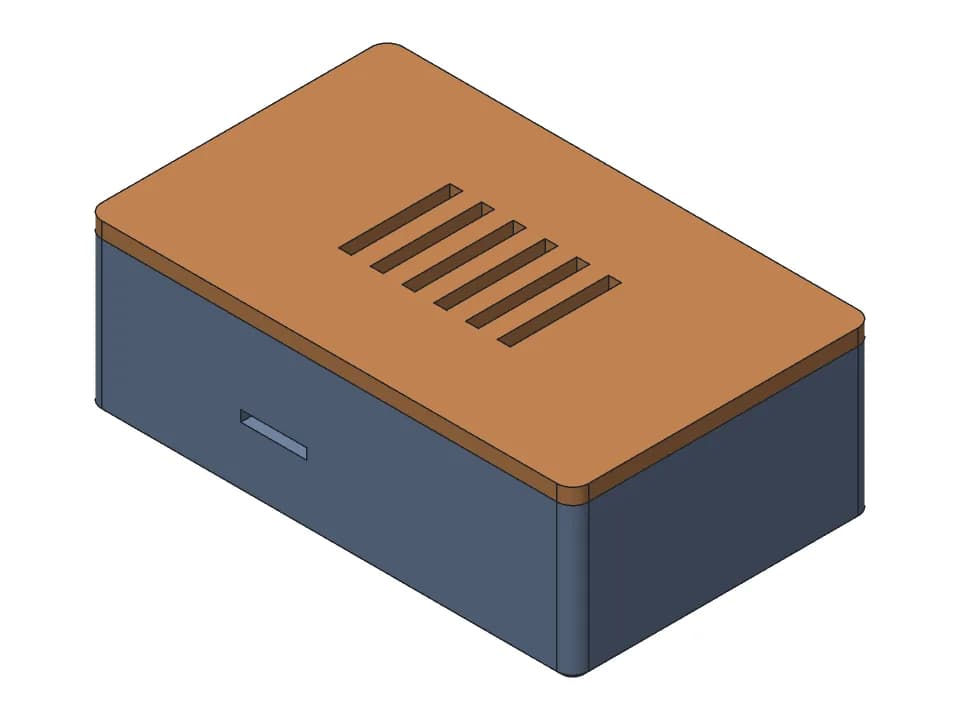
ESP32 enclosure
Base and vented snap-on lid for the ESP32-DevKitC V4: board on two ribs, micro-USB opening, no screws.
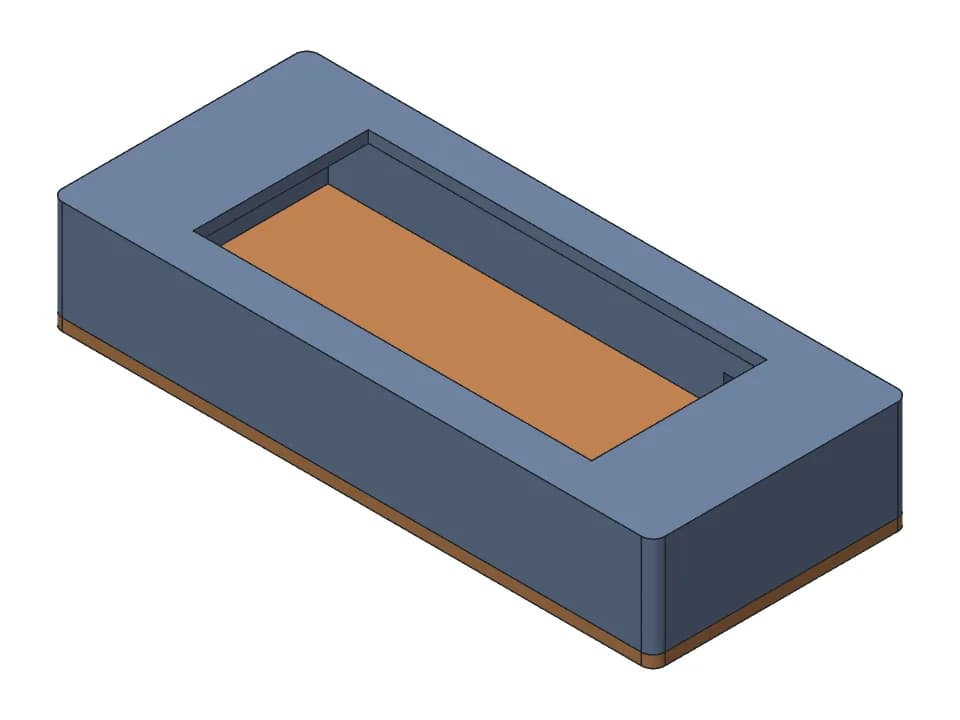
2.9 inch e-paper enclosure
Shell with a screen window for a 2.9 inch e-paper module on its driver board, and a lid with 2 M3 screws.
Fit and tolerance
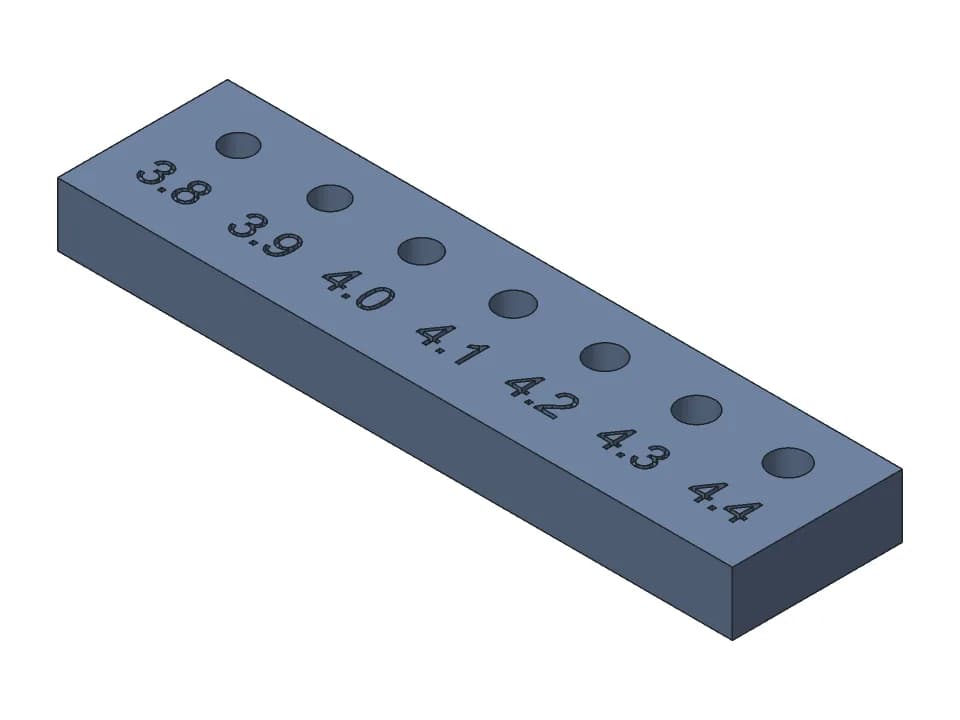
Small test prints that tell you the hole size and clearance your printer really needs.
Repair parts
A D-shaft knob, a barbed hose adapter and a V-groove pulley, each set to your measurements.
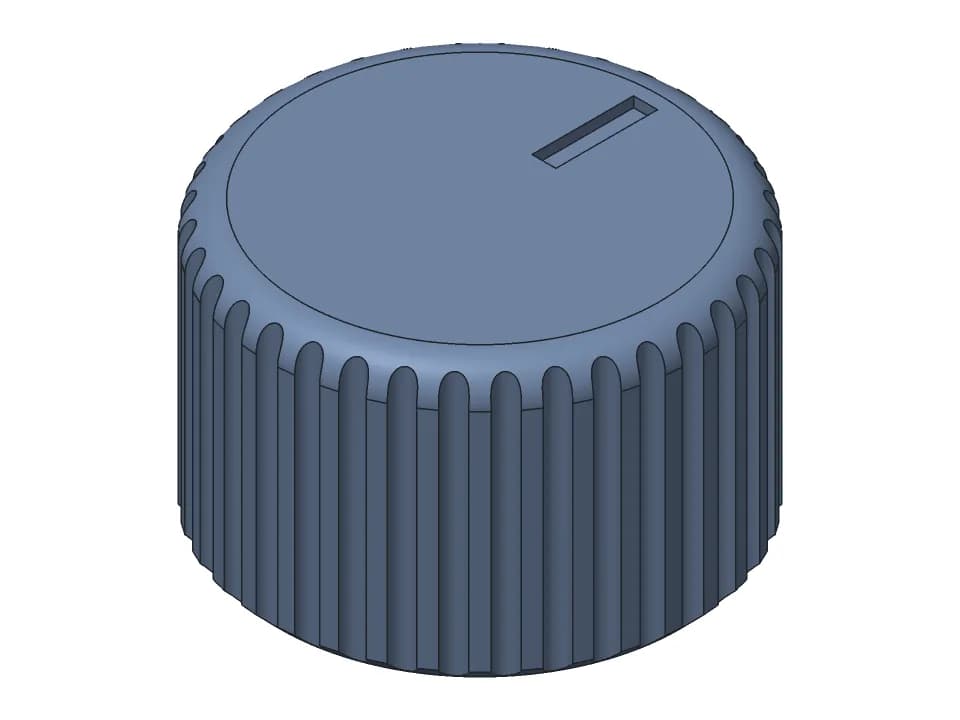
D-shaft knob
Knurled 25 mm knob for a 6 mm D-shaft, with a pointer line on top and an optional M3 set screw.
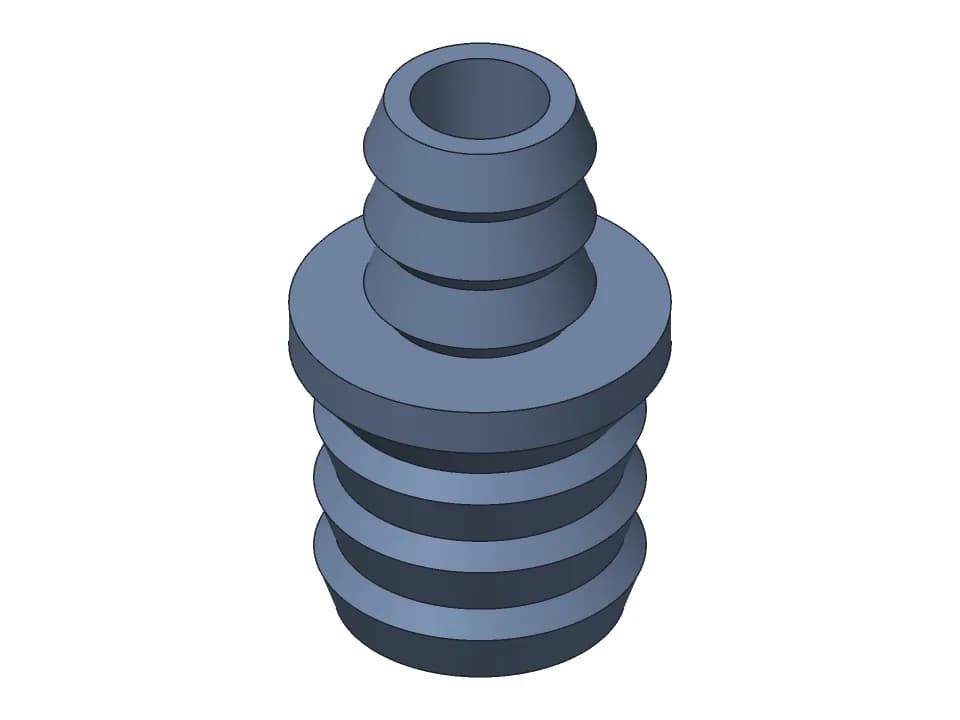
Barbed hose adapter
One-piece barbed reducer joining two hoses, 19 mm and 13 mm inner diameter by default.
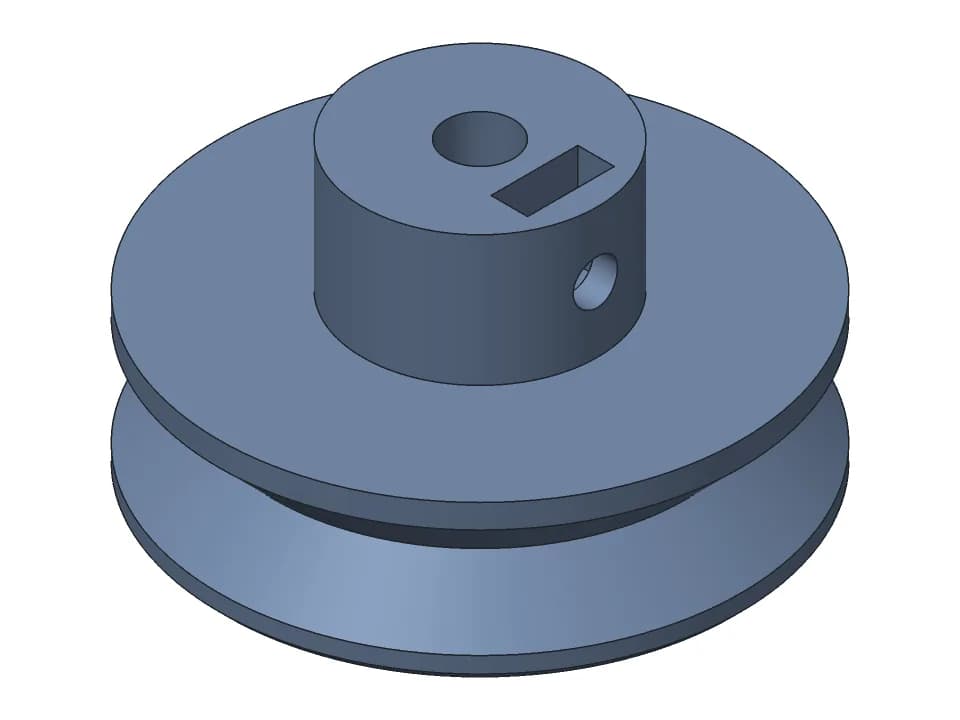
V-groove pulley
Round belt pulley with a hub and an M3 set screw: set the diameter, belt, shaft and V angle.
Gridfinity
A bin with a label lip, a tool insert with cutouts and a magnet baseplate sized to your drawer.
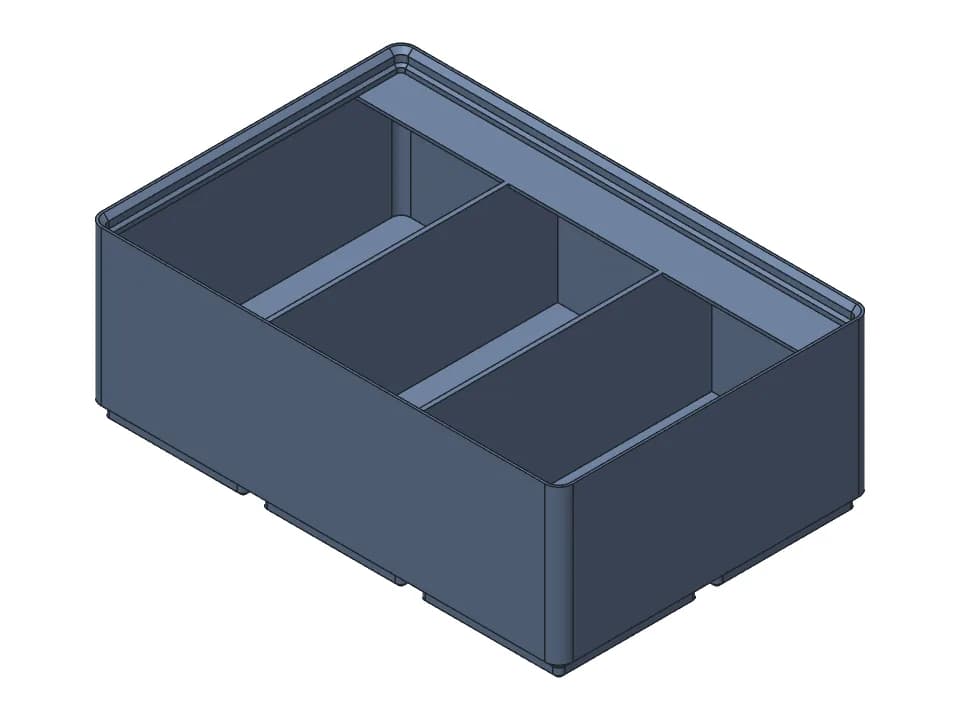
Gridfinity bin with label lip
3 x 2 Gridfinity bin with 3 compartments, a 13 mm label shelf and a finger scoop, sized in the browser.
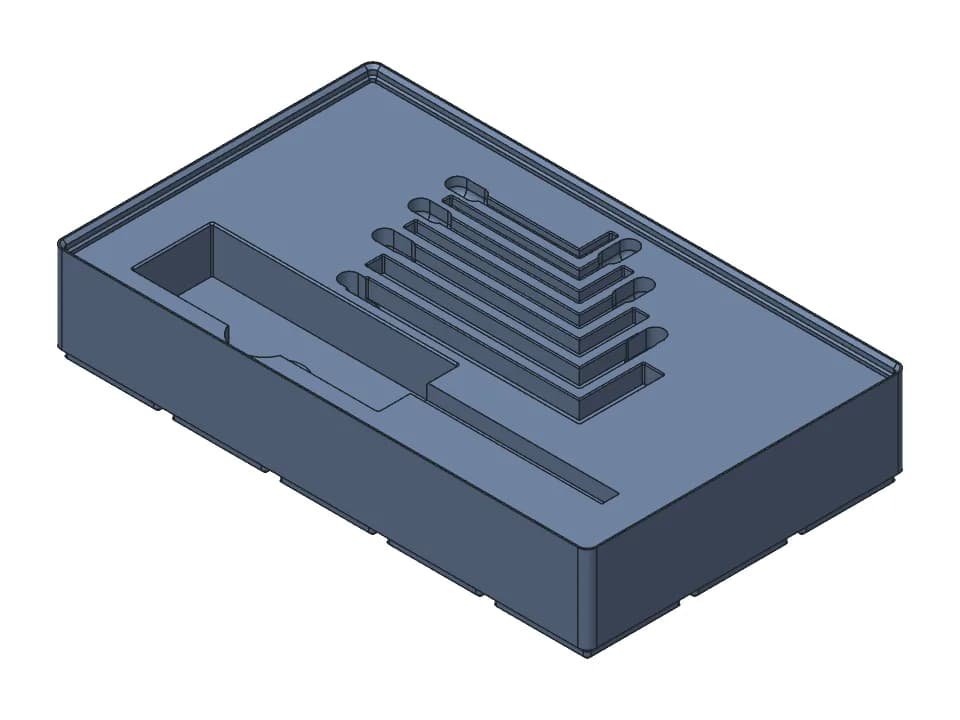
Gridfinity tool insert: screwdriver and hex keys
5 x 3 Gridfinity insert with a pocket and finger slot for a screwdriver and 7 metric hex keys.
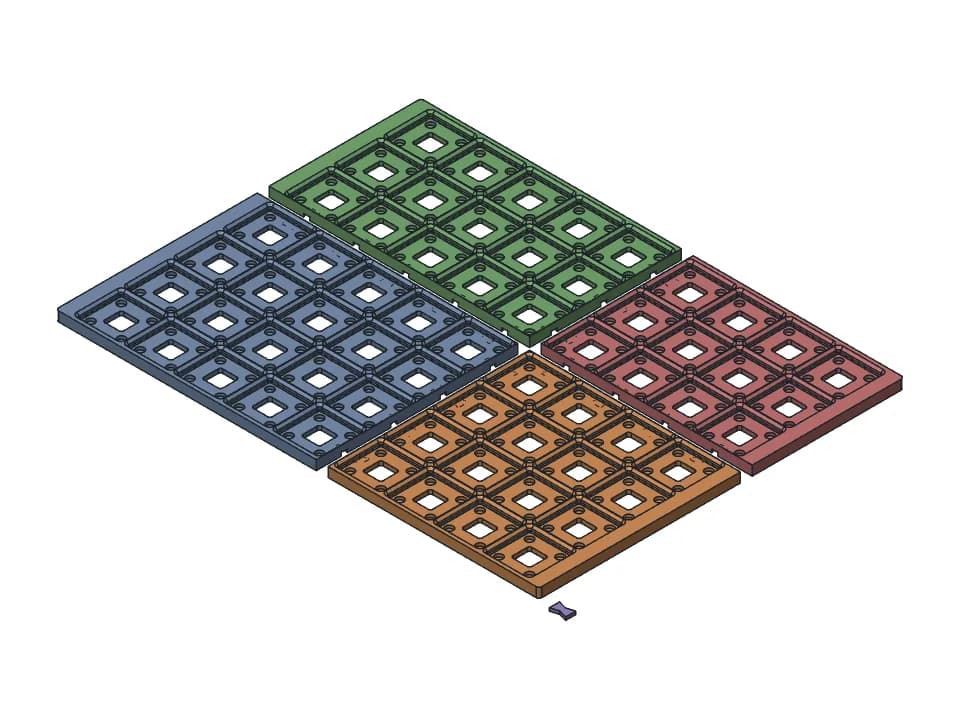
Gridfinity baseplate with magnets
Magnet baseplate for a 400 x 300 mm drawer: a 9 x 7 grid in 4 pieces with clips, any drawer size.
How these designs are made and checked
Each design was made by buildcad's AI agent from a short request, then picked and checked by the buildcad team. Its page shows the request, an edited account of how the agent worked, and a proof table with values measured on the model: hole sizes, gaps, angles, the fit to a board or a shaft. Moving parts are turned through their range with every pose checked for collisions. We only show measured values. We have not printed these designs yet; photos will be added to each page as we print them.
To use a design, measure what it has to fit (the board, the shaft, the phone in its case), set the sliders, and read the print notes for orientation, supports and hardware. Print one before a batch when a fit is assumed. If the sliders cannot make what you need, press Change it with AI: a copy goes to your designs and the AI designer changes it from your words, using credits like any design.
How a request becomes a parametric model, step by step: text to CAD explained. Designing your own parts? The guide to CAD for 3D printing compares the software and gives the FDM design rules.